
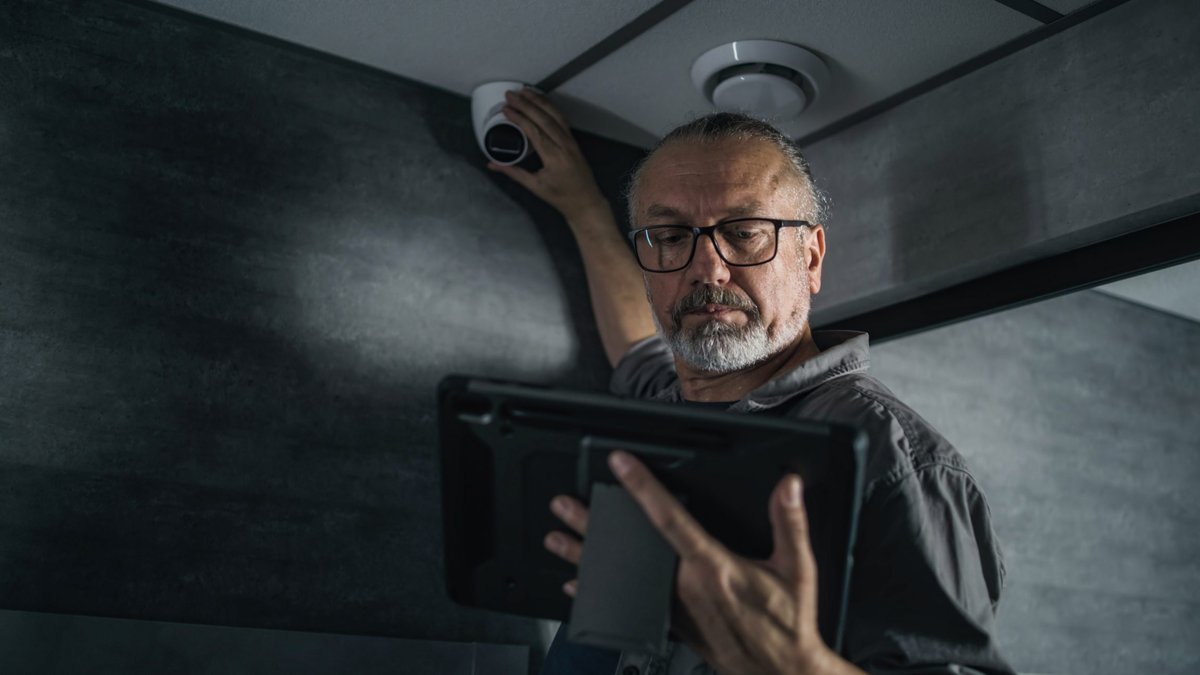
Security integration links physical surveillance tools with digital IT systems, creating a unified approach that lets cameras, alarms and cyber defenses exchange data through a company’s existing network.
Integration simplifies management.
Why hardware choices matter for small businesses
When video cameras become part of the network, they are treated like any other IP device. Selecting a model without accounting for bandwidth or storage can cause the cameras to compete with point‑of‑sale terminals, VoIP calls and cloud applications. Higher‑resolution lenses, longer retention periods and nonstop recording all increase the amount of data that must travel across switches and reach storage.
On‑site storage options such as network video recorders (NVR) or network‑attached storage (NAS) keep footage local, lower internet usage and still allow remote viewing. Cloud‑based recording offers off‑site access and backup, but it adds recurring fees. Companies should weigh these trade‑offs against their budget and the need for immediate video retrieval.
Network design and management best practices
After picking cameras and recorders, the next step is to connect them without disrupting everyday operations. Video streams are heavy, so a clear network structure is essential.
Segregating security devices onto a dedicated VLAN or subnet isolates them from other business traffic. This containment reduces the impact of a breach and simplifies updates. Applying Quality of Service (QoS) rules guarantees that video traffic receives sufficient bandwidth, while favoring wired connections and Power over Ethernet (PoE) provides stable power and data over a single cable.
Centralized management platforms can bring cameras, door locks and alarms onto one dashboard. Such systems often integrate with identity providers or single sign‑on solutions, allowing staff to use familiar credentials. When the platform aligns with the chosen storage model—whether local, cloud or hybrid—administrators can monitor the entire security ecosystem from a single interface.
Related: Four Steps Guide Successful Franchise Ownership
Comparing this to earlier, stand‑alone setups shows a clear shift toward convergence. In the past, businesses often bought cameras as a facility expense, keeping them separate from IT. Today, treating surveillance as an IT function makes sense because the data it generates flows through the same network infrastructure, demanding similar security controls.
Access control must follow the same principle. Role‑based permissions limit who can view footage or change device settings. Multi‑factor authentication (MFA) should be enabled for every admin account and any account that can change security settings.
Integrating identity management across video, access and file systems helps keep password policies, off‑boarding procedures and activity logs consistent. This uniformity can speed up investigations and audits, reducing confusion when multiple platforms are involved.
Compliance and future‑proofing considerations
Regulatory requirements influence hardware selections. The U.S. National Defense Authorization Act (NDAA) restricts certain brands—like Huawei, Dahua and Hytera—in government‑related settings. Choosing NDAA‑compliant cameras lowers risk and keeps the system eligible for public‑sector contracts, avoiding costly replacement projects later.
Regular maintenance is also part of a resilient security ecosystem. Companies should schedule at least an annual review of firmware updates, user lists and storage configurations. When threats evolve or new regulations emerge, a timely update can prevent gaps in protection.
Working with specialists who understand both IT security and physical protection can help small businesses scale their defenses without overwhelming internal staff. By treating cameras and access controls as extensions of the broader IT environment, organizations can achieve a security posture that grows alongside their technology and workforce.


Leave a Reply